
Google recently announced that it’s pushed out a major update for Chrome, which it says is designed to help users stay organized and work faster. That being said, the update comes with three main features consisting of split view, PDF annotations, and a direct “Save to Google Drive” option.
The new split view feature lets users look at two different tabs side-by-side in the same window, which in theory should reduce the constant back and forth clicking between tabs. Google says that early testers have already found it useful for tasks like grading papers while referencing notes or watching a video while taking minutes.
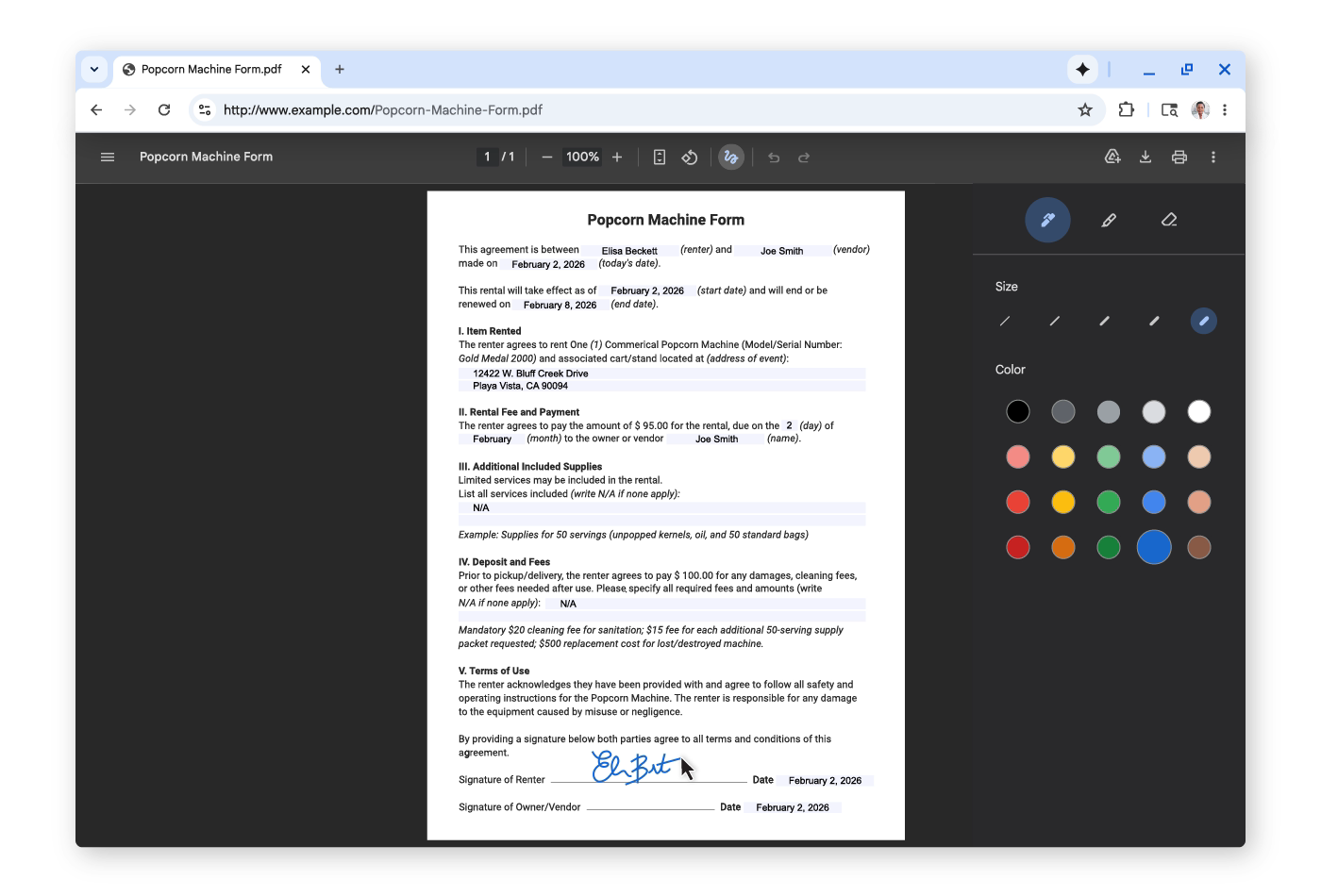
Google also unveiled its new PDF tools, which allow for easier document editing. Users can now highlight important text and add notes to PDF files directly within the Chrome browser, which means that there’s no longer a need to download a file and open a separate app just to sign a document or mark up a report, for example.
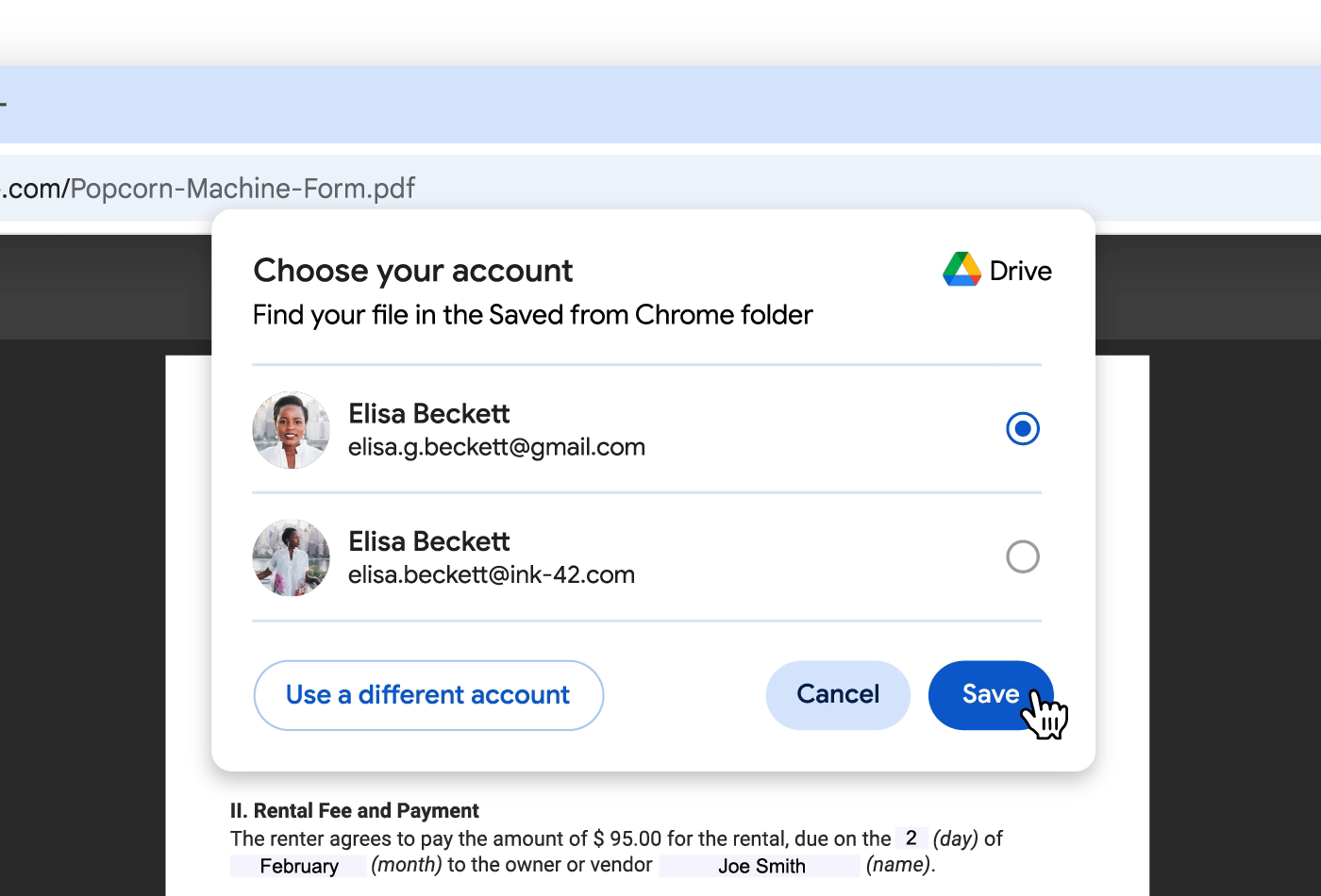
Finally, Chrome is introducing a new “Save to Google Drive” feature—instead of downloading a PDF to a computer and then uploading it to the cloud later, users can send it straight to their Drive. Chrome will automatically place these files into a special folder so they are backed up and easy to find from any device.